> For the complete documentation index, see [llms.txt](https://docs.bitcart.ai/llms.txt). Markdown versions of documentation pages are available by appending `.md` to page URLs; this page is available as [Markdown](https://docs.bitcart.ai/proxying-bitcart/cloudflare.md).
# Cloudflare
Deployment of Bitcart on Cloudflare is straightforward.
Bitcart includes ready preset for any scenario.
First, ensure that you have configured DNS A record pointing to your server. Proxy status should be proxied if you want your server ip to be hidden. This way someone checking ip address of your domain will see cloudflare ip, and not your servers'. This is good for e.g. DDOS protection.
Visit [DNS configuration](https://dash.cloudflare.com/?to=/:account/:zone/dns/records) and add the record, in our case, bitcart.
Creating DNS a record
```bash
sudo su -
git clone https://github.com/bitcart/bitcart-docker
cd bitcart-docker
export BITCART_HOST=bitcart.yourdomain.tld
./setup.sh --preset cloudflare
```
And that's it! In a few minutes, Bitcart should be up and running. It automatically configured proper settings behind the hood.
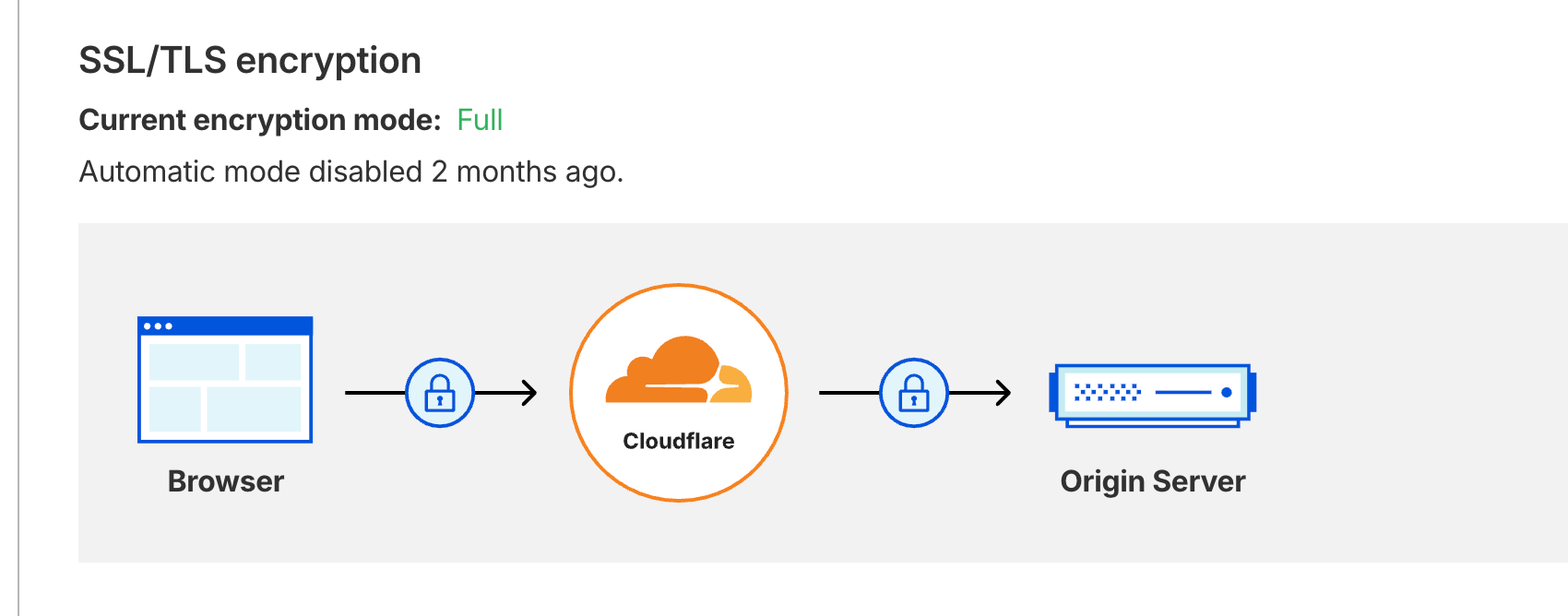
It should work with default Cloudflare SSL settings (it should detect mode Full).
If not, visit [SSL/TLS configuration page](https://dash.cloudflare.com/?to=/:account/:zone/ssl-tls) and set it to Full.
SSL mode full
If you are running a reverse proxy on your server, you should use
```bash
./setup.sh --preset cloudflare-proxied
```
Instead of default cloudflare preset. And ensure to follow instructions in \[Custom reverse proxy]